
GAME_UI // 9-SLICE RUNTIME SLICER & ENGINE EXPORTER 512 × 512 PX (NATIVE 1:1)
SliceCenter:
Rect.new(48, 48, 464, 464)
TL: LOCK CORNER
TR: LOCK CORNER
BL: LOCK CORNER
BR: LOCK CORNER

CENTER STRETCH REGION (SCALE DYNAMIC)
Slice Margins: 48px • Locked 4-corner scale, dynamically stretching center
Slice Center Rect:
Rect.new(48, 48, 464, 464)
9-Slice Margins Adjustment SLICER MARGINS
48px
PRESETS:
In-Engine Runtime Test
0-Distortion Live 1. Action Button (HUD Compact) 200 × 44px
ACTION BUTTON (CLICK)
2. Dialog Window (Item / Quest) 320 × 76px
ANCIENT DRAGON HELM
+120 Armor • +45 Fire Resist
3. Full Inventory Window (Fullscreen HUD) 100% × 96px
INVENTORY BAG 2,450 G
ScaleType.Slice Engine Exports ROBLOX READY
THUMBNAIL // 16:9 DISCOVERY CAPSULE
1920 × 1080 HD
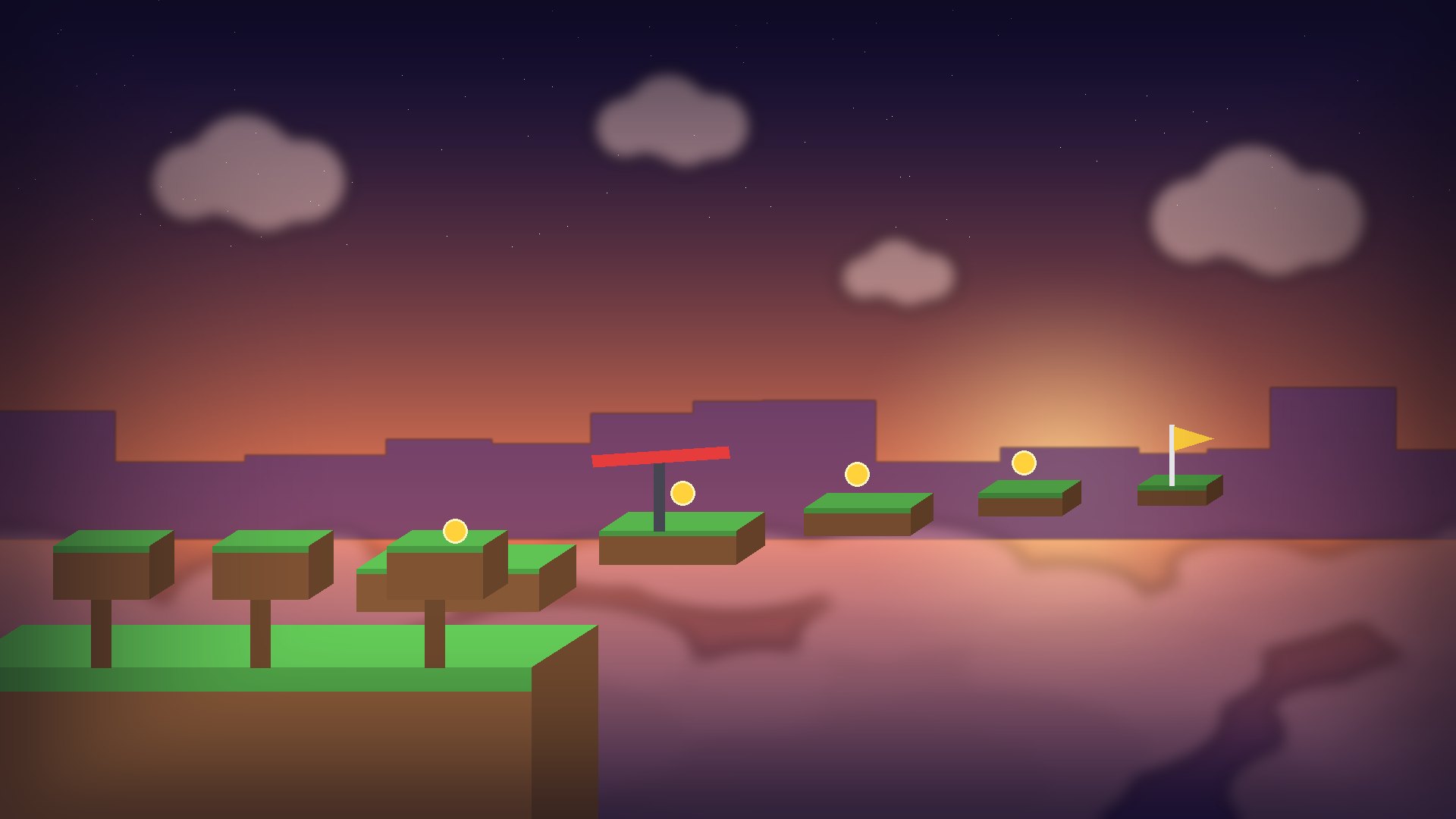
SAFE AREA · KEEP TITLES INSIDE
ROBLOX MAY COVER THIS (PLAYER COUNT) — NO TEXT HERE
UPDATE 2.0
ANIME WARRIORS
TITLE STYLE:
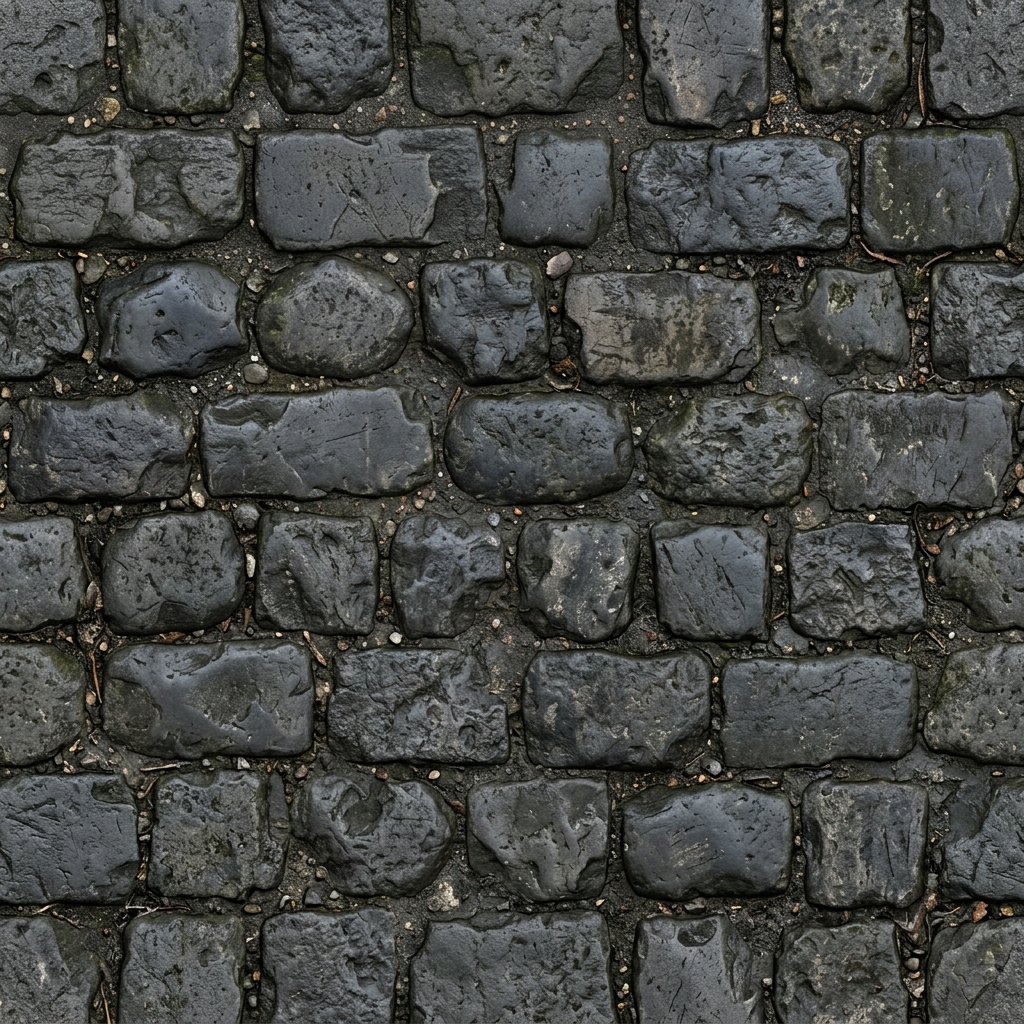
Click or drop texture here
MODEL
ENV
UV
U 5.0
V 5.0
Height Map Adjustment
ICONS // TRANSPARENT SPRITE PIPELINE
TRANSPARENT PNG

Local cutout (dark BG, free) or AI cutout (any BG) • Transparent PNG
IN-GAME CONTEXT SIMULATION
1. RPG ACTION HOTBAR (SLOTS 1-5):
x99 1 2
3
4
5
2. ACHIEVEMENT NOTIFICATION:
QUEST MASTER
Unlocked Legendary Skill
Roblox game icons are 512×512, and pass icons must not exceed 512×512. Badges and passes are shown in a circle.
ROBLOX CLOTHING // CLASSIC TEMPLATE
Blank templates 585 × 559 PNG
Template — this is the image you upload to Roblox
3D preview
…
Upload it in Creator Dashboard → Avatar Items → Classics (80 Robux upload fee).
BGM_MUSIC // SYNTHESIS & STEMS MIXER RUNTIME
8-BIT BOSS BATTLE // 140 BPM // C minor
PRESET MOODS:
● LIVE BUFFER | 44.1kHz • 16-Bit Stereo
REALTIME SPECTRUM & WAVE
20Hz 100Hz 1kHz 8kHz 20kHz
4-Track Realtime Stems Mixer
MUTE / SOLO MULTI-TRACK CONTROL Drums
Kick / Snare
Bass
Triangle Bass
Lead
Sawtooth Lead
Harmony
Square Arpeggio
00:00 / 00:03.4 LOOP
VOL
SFX_AUDIO // 0-LATENCY ACOUSTIC SYNTHESIS LABORATORY
TAKE SLOTS:
LIVE OSCILLOSCOPE TRACE 440Hz • Square Wave
10ms / DIV • 1V / DIV
Click audition pad for instantaneous audio test (Keys 1-9): 0ms WebAudio Direct Synth
LAST: LASER_BLASTER | 44.1kHz • 16-Bit Mono WAV
DIALOGUE // RUNTIME SIMULATOR & BRANCH INSPECTOR
THE RUSTY ANCHOR TAVERN ● INTERACTIVE RUNTIME
Garrick the Barkeep NPC
node_1
Well met, traveler. You look like someone who knows how to handle a blade. The cellar has been infested with giant dire rats.
Plot Nodes
Engine Code Preview (Luau / JSON):
Roblox Luau / Yarn Spinner / JSON
3D_ASSET // TRIPO3D NEXT-GEN MESH & COLLISION LAB
--
ENTER PROMPT • GENERATE 3D MODEL
Tripo3D v3.1 --
Triangles: --
Vertices: --
Format: GLB
Synthesizing 3D Neural Geometry...
Generating topology, UV unwrapping & baking PBR textures...
5%
LIGHTING
3D LIVE PREVIEW Woman Model
Triangles 13,712
Vertices 8,450
Components 2 (body)
ENV
UV Layout Inspection body
Wireframe
Loading 3D model...
Completed